Debut Video Capture and Screen Recorder Software 12.05 Beta

Debut Video Capture and Screen Recorder Software 12.05 Beta

Debut Video Capture and Screen Recorder Software Full Download Summary

Debut Video Capture and Screen Recorder SoftwareVideo ToolsWindows 11, Windows 10 32/64 bit, Windows 8 32/64 bit, Windows 7 32/64 bit

User Rating: 1.0 (1 vote)

  • File size: 3.40 MB
  • Platform: Windows 11, Windows 10 32/64 bit, Windows 8 32/64 bit, Windows 7 32/64 bit
  • License: Free To Try
  • Price: $39.95
  • Downloads: Total: 112 | This Month: 0
  • Released: Dec 22, 2025
  • Publisher: NCH Software
  • Publisher URL: https://www.nchsoftware.com/

Debut Video Capture and Screen Recorder Software 12.05 Beta Full Description

Debut Video Capture and Screen Recorder Software, developed by NCH Software, is a versatile and user-friendly application designed to meet the needs of both novice and experienced users in the realm of video recording and screen capturing. This powerful software offers a comprehensive suite of features that make it an essential tool for creating high-quality video content, whether for professional presentations, tutorials, or personal projects.

One of the standout features of Debut Video Capture is its ability to record from a variety of sources. Users can capture video from their computer screen, webcam, or even external devices such as VHS players and gaming consoles. This flexibility ensures that no matter the source, Debut can handle it with ease. The software supports a wide range of video formats, including AVI, WMV, FLV, MPG, MP4, and MOV, providing users with the freedom to choose the format that best suits their needs.

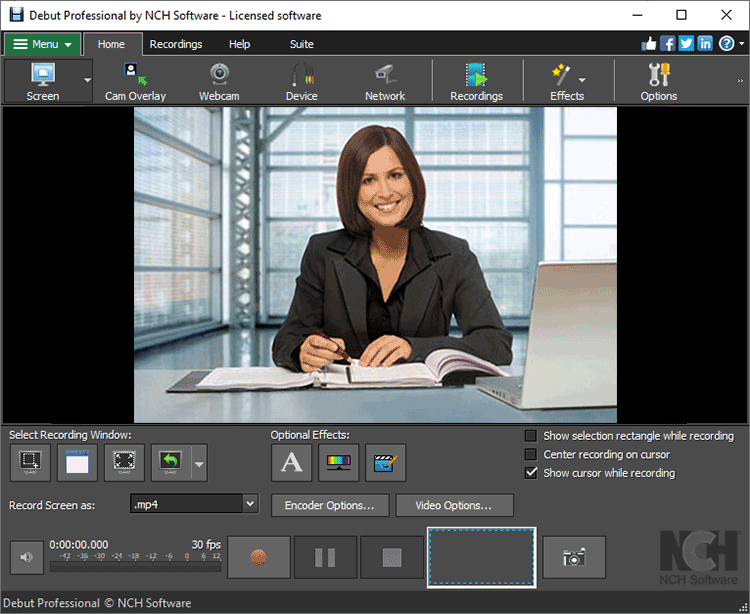
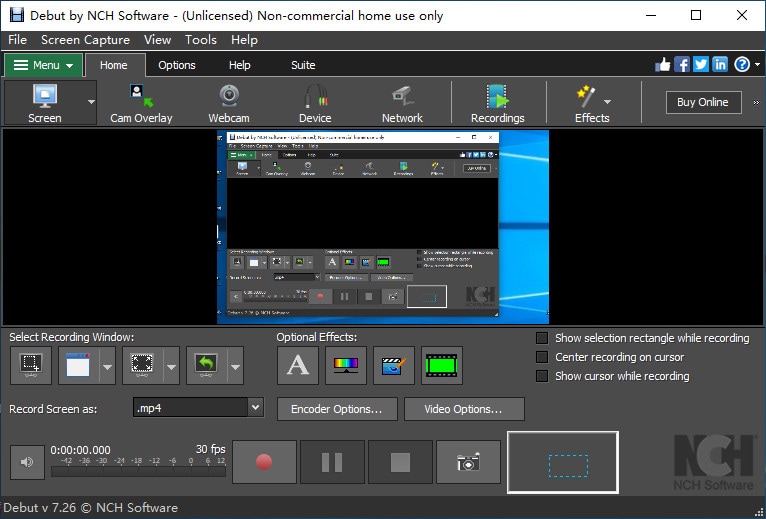
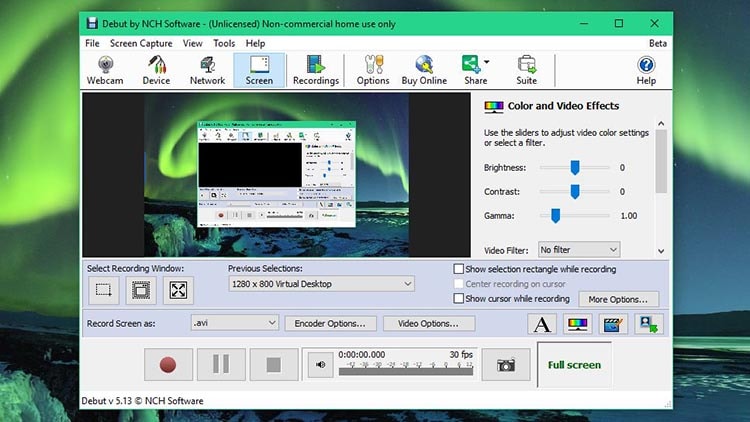
The intuitive interface of Debut Video Capture makes it accessible for users of all skill levels. The main dashboard is clean and well-organized, allowing users to quickly navigate through the various features and settings. The software includes a range of customizable options, such as frame rate, resolution, and color settings, enabling users to fine-tune their recordings to achieve the desired quality.

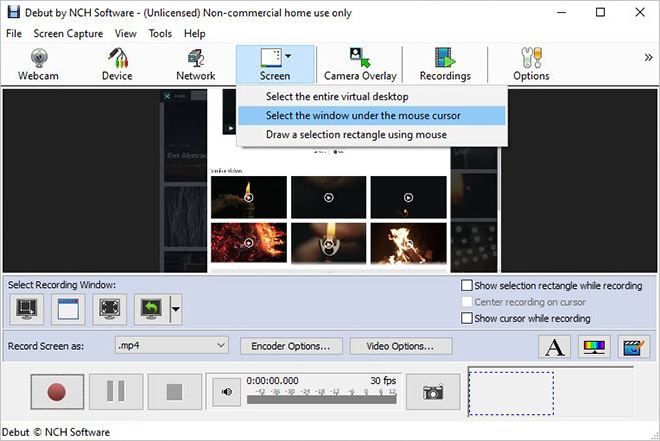
Screen recording is made simple with Debut, offering users the ability to capture their entire screen, a selected window, or a specific region. This is particularly useful for creating software tutorials, recording gameplay, or capturing online streaming videos. Additionally, the software includes built-in tools for adding text captions, timestamps, and even video effects, enhancing the overall production value of the recordings.

Debut Video Capture also excels in its scheduling capabilities. Users can set up recording sessions to start and stop at specific times, making it convenient to capture live streams or unattended broadcasts. This feature is particularly beneficial for users who need to record content at times when they are not available to manually start the recording.

The software's integration with other NCH Software products, such as VideoPad Video Editor and Prism Video Converter, further extends its functionality. Users can easily edit their recordings or convert them to different formats without the need for additional software, streamlining the workflow and saving valuable time.

In terms of performance, Debut Video Capture is efficient and reliable. It runs smoothly on both Windows and Mac operating systems, with minimal impact on system resources. This ensures that users can continue to work on other tasks while recording, without experiencing significant slowdowns or interruptions.

In conclusion, Debut Video Capture and Screen Recorder Software by NCH Software is a robust and feature-rich application that caters to a wide range of video recording needs. Its versatility, ease of use, and comprehensive set of tools make it an excellent choice for anyone looking to create high-quality video content. Whether you're a professional content creator or someone who simply wants to capture memorable moments, Debut has the capabilities to deliver exceptional results.

Debut Video Capture and Screen Recorder Software 12.05 Beta Bookmark

Hyperlink code:
Hyperlink and Intro code:
Hyperlink for Forum code:

Debut Video Capture and Screen Recorder Software 12.05 Beta Free Download Notice

Top 4 Download periodically updates software information of Debut Video Capture and Screen Recorder Software 12.05 Beta full version from the publisher, but some information may be slightly out-of-date.

Using warez version, crack, warez passwords, patches, serial numbers, registration codes, key generator, pirate key, keymaker or keygen for Debut Video Capture and Screen Recorder Software 12.05 Beta license key is illegal and prevent future development of Debut Video Capture and Screen Recorder Software 12.05 Beta. Download links are directly from our mirrors or publisher's website, Debut Video Capture and Screen Recorder Software 12.05 Beta torrent files or shared files from free file sharing and free upload services, including Rapidshare, HellShare, HotFile, FileServe, MegaUpload, YouSendIt, SendSpace, DepositFiles, Letitbit, MailBigFile, DropSend, MediaMax, LeapFile, zUpload, MyOtherDrive, DivShare or MediaFire, are not allowed!

Your computer will be at risk getting infected with spyware, adware, viruses, worms, trojan horses, dialers, etc while you are searching and browsing these illegal sites which distribute a so called keygen, key generator, pirate key, serial number, warez full version or crack for Debut Video Capture and Screen Recorder Software 12.05 Beta download. These infections might corrupt your computer installation or breach your privacy. A keygen or key generator might contain a trojan horse opening a backdoor on your computer. Hackers can use this backdoor to take control of your computer, copy data from your computer or to use your computer to distribute viruses and spam to other people.

Debut Video Capture and Screen Recorder Software 12.05 Beta - Post Your Review

GiliSoft Video Recorder 12.8.0

Screen recording can be useful when you need to record a how-to video to help someone learn how to use a ... game walkthrough, or prepare for a presentation. GiliSoft Screen Recorder is a screen recording software for Windows, it captures what you see on screen (support High DPI recording, 4K video recording, High ...
software award

iTop Screen Recorder 6.4.0.3598

iTop Screen Recorder is an all-in-one tool that integrates screen recording, video editing, and screenshot functionalities. Additionally, it incorporates extra AI tools such as Text to Speech and Background Removal. With iTop Screen Recorder, you can capture anything on your PC screen to be a high-quality video or screenshot, and edit both the recorded videos ...
software pick

GiliSoft Screen Recorder 11.6

GiliSoft Screen Recorder is a screen recording software for Windows. It captures what you see on screen and what you hear/say simultaneously, and saves them as compressed video file in real-time. It is usually used to create software demos, capture streaming videos and record game plays. •Multiple recording mode and game ...
software award

Flv Grabber 3.28

Flv Grabber - grab and capture streamed video and audio automatically Flv Grabber is the easiest, most powerful way to grab and capture millions of video and audio files from the internet. Just open Flv Grabber, play your video or audio, and it's saved automatically. Grab and Capture the ...
software pick

Dazzle DVD Recorder HD

Save, Enhance, and Share Video * Capture video from camcorders, digital cameras, phones, DVDs, and gaming consoles * Create amazing movies with animations, titles, and effects * Share your movies on YouTube, DVD, and more Featuring a high-quality video capture device plus powerful Pinnacle Studio HD v.14 editing software, Dazzle DVD Recorder HD makes it easy to ...
software pick